Signing in
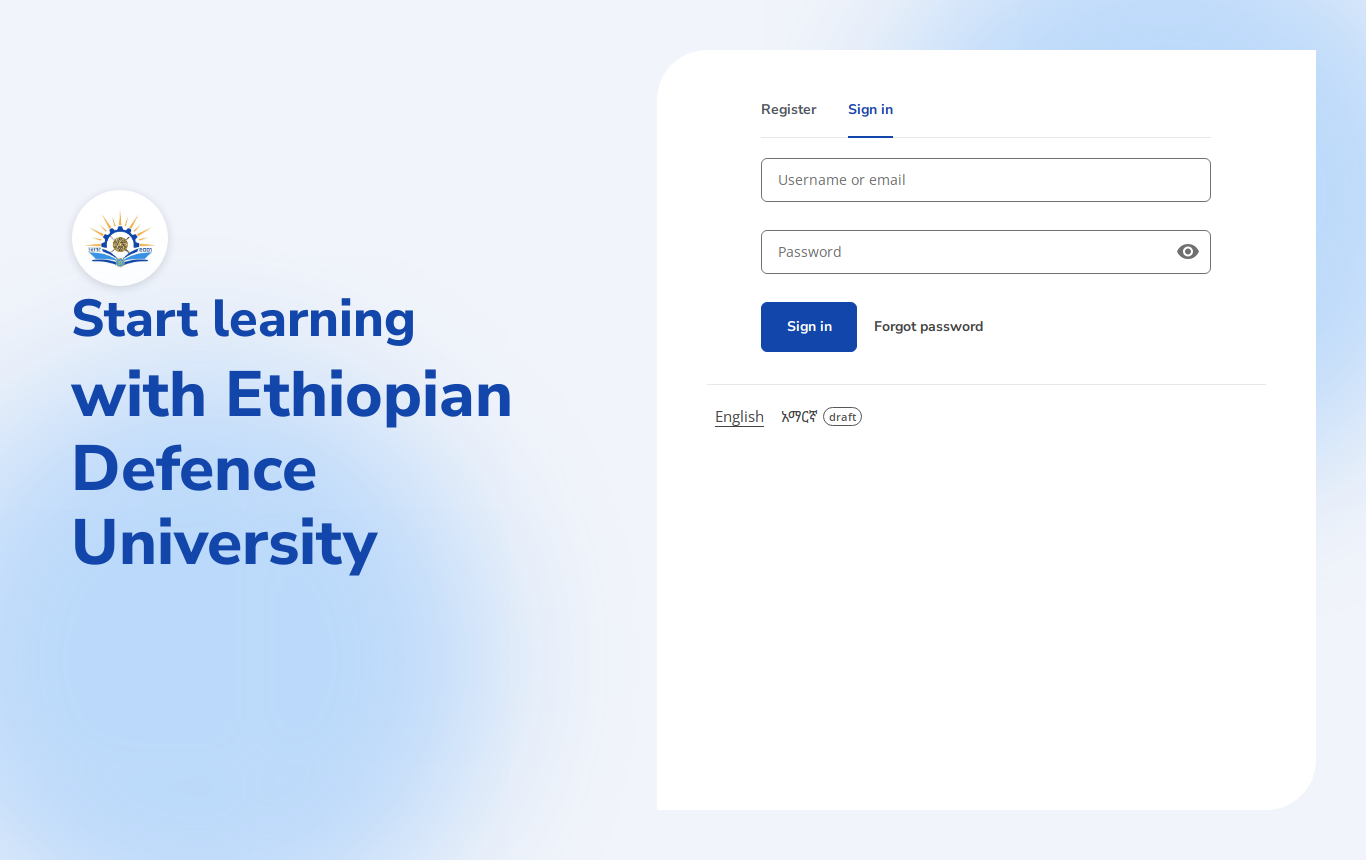
- Go to https://etdu.lmsforafrica.com.
- Click Sign in at the top of the page.
- Enter your username or email address and your password, then click Sign in.
To sign out, open the menu under your username at the top right and choose Sign Out.
Getting an account
Click Register at the top of the page, fill in your name, email address, a username and a password, and click the button at the bottom of the form. Some platforms send an email to confirm your address: open the link in it.
Forgotten password
On the sign-in page, click Forgot password, enter the email address of your account, and follow the link in the email you receive.