Finding and enrolling in a course
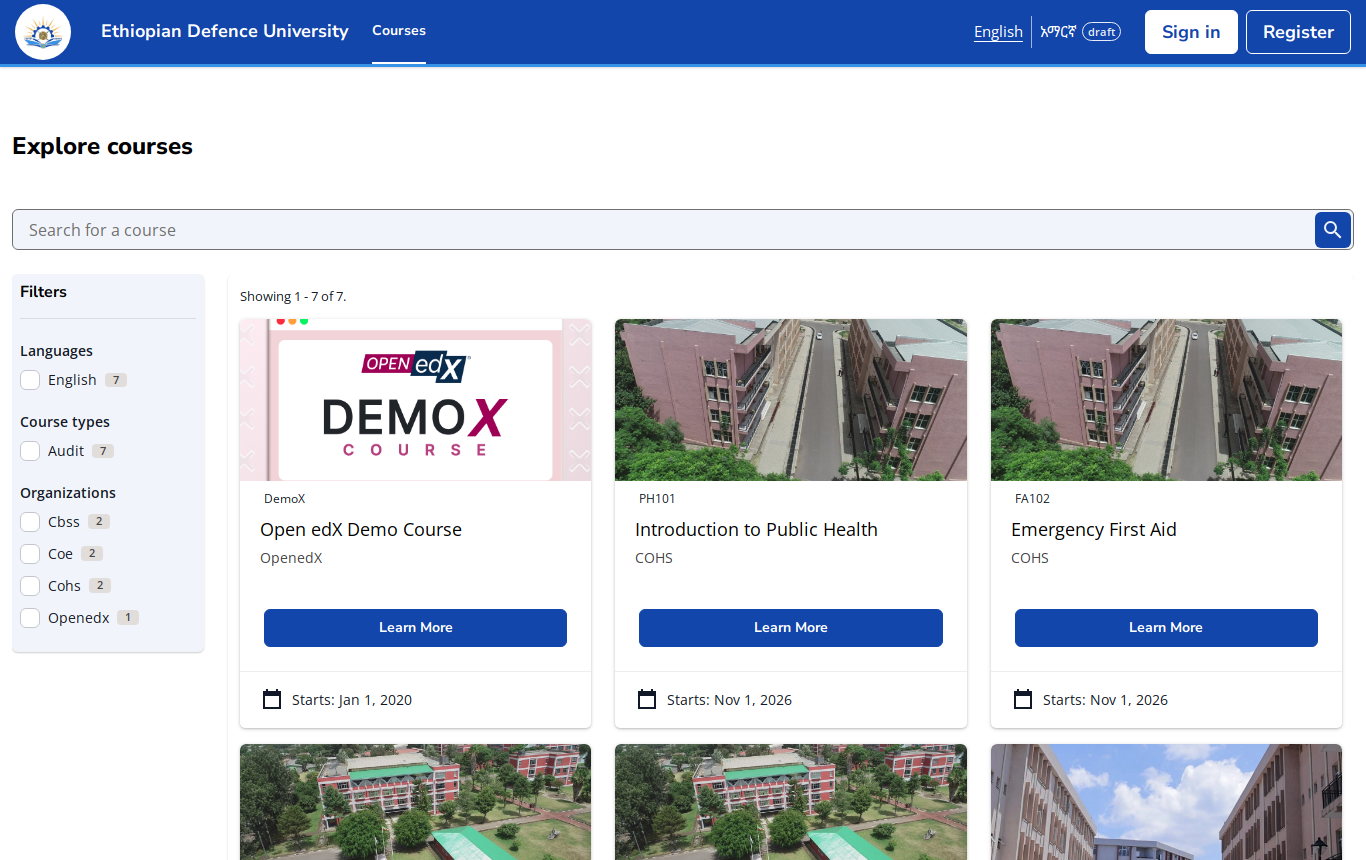
- Click Courses at the top of the page (or Explore courses or View all courses on the home page) to see the course list. Type in Search for a course to find a course by its name, or narrow the list with the filters on the left.
- Click Learn More on a course to see its description and dates.
- Click Enroll now. You must be signed in.
Your courses are on My courses (your dashboard), at the top of every page once you are signed in.
Screenshot to come: dashboard
My courses, the learner dashboard